A VPN app with multiple tunnels and customizable configurations.
HTTP Tweak is designed to adapt to any network environment. Switch between tunneling methods, create multi-server setups in a single config, and keep full control over how traffic flows.

Build secure tunnels, test networks, and customize everything from DNS to app routing. HTTP Tweak gives you the flexibility of advanced tools without the friction.
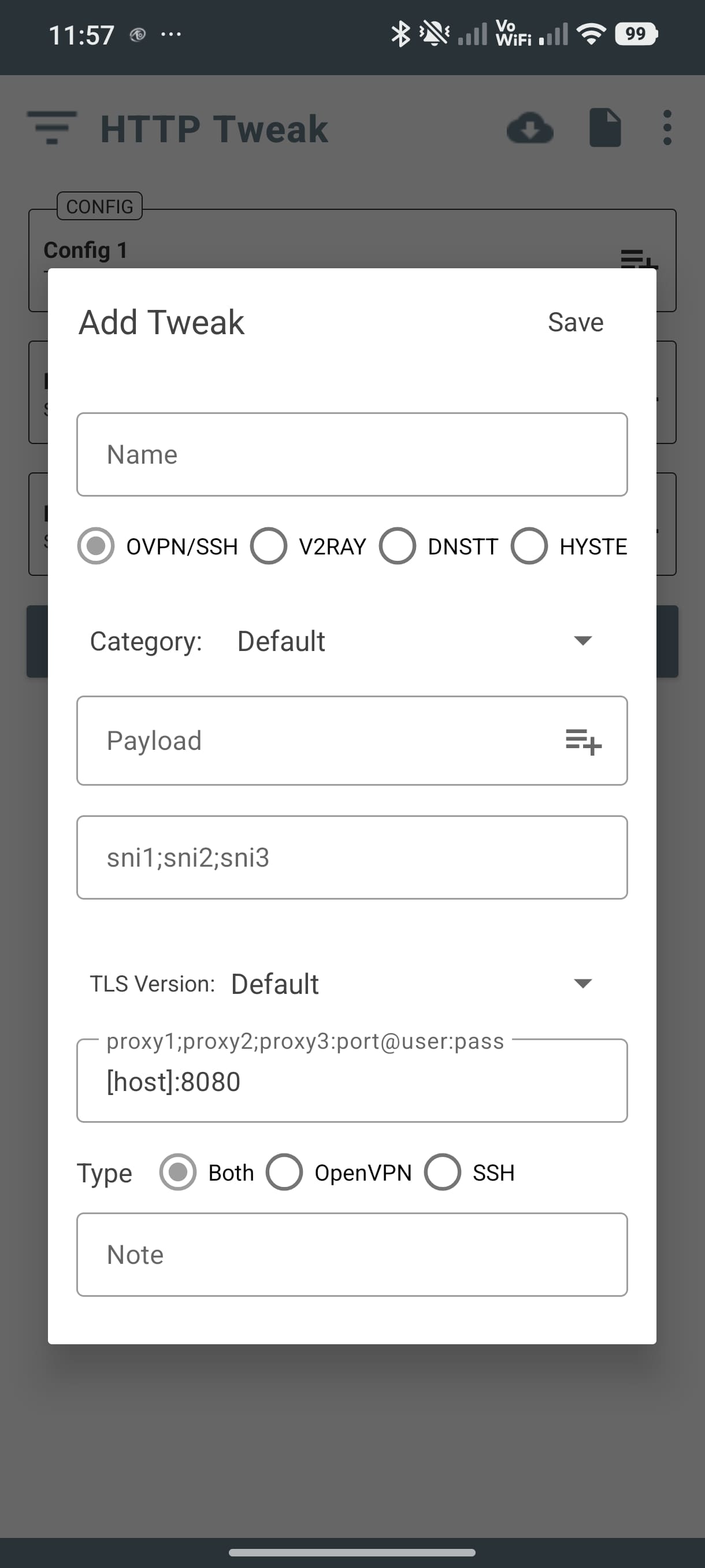
Switch between different protocols and tunneling strategies based on your network.
Keep data private with secure tunnel routing and encryption-ready configurations.
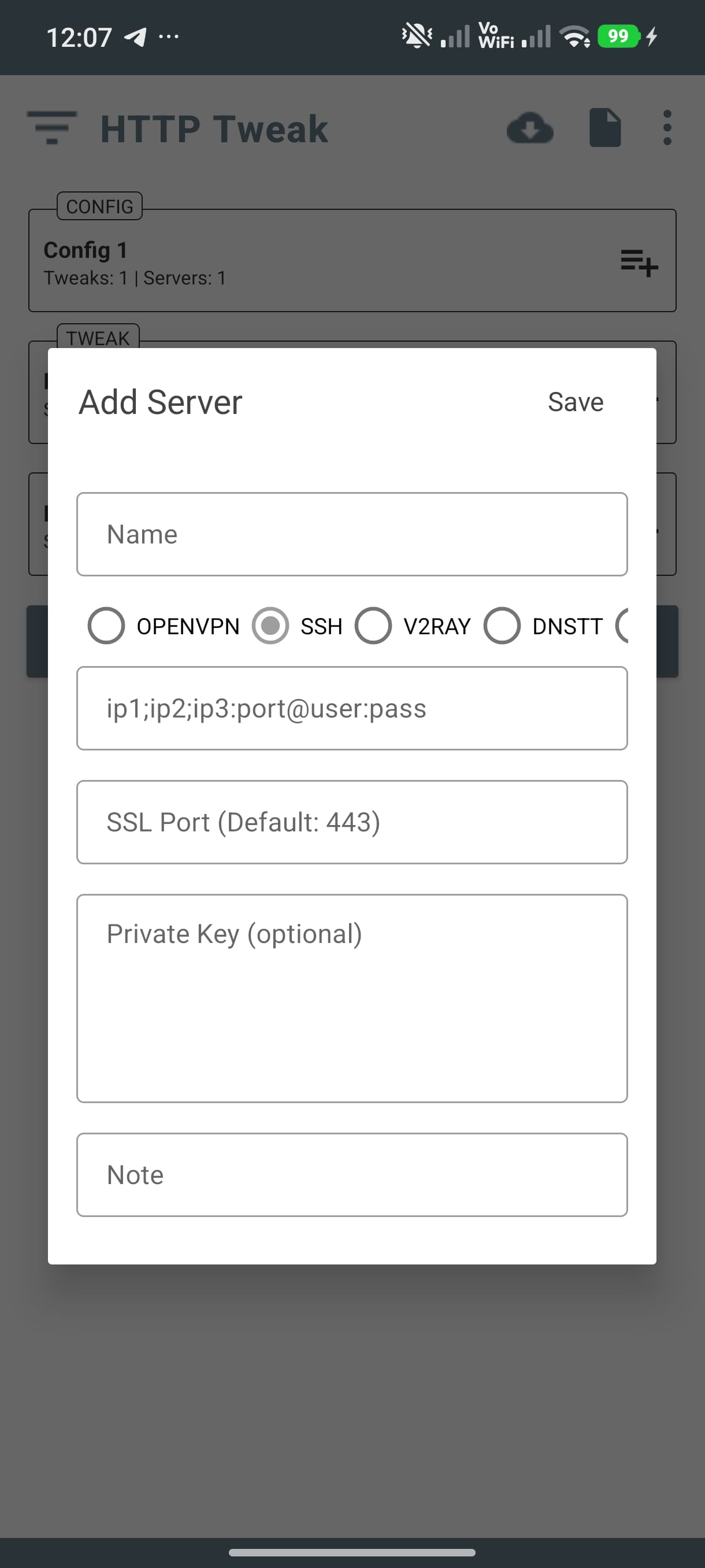
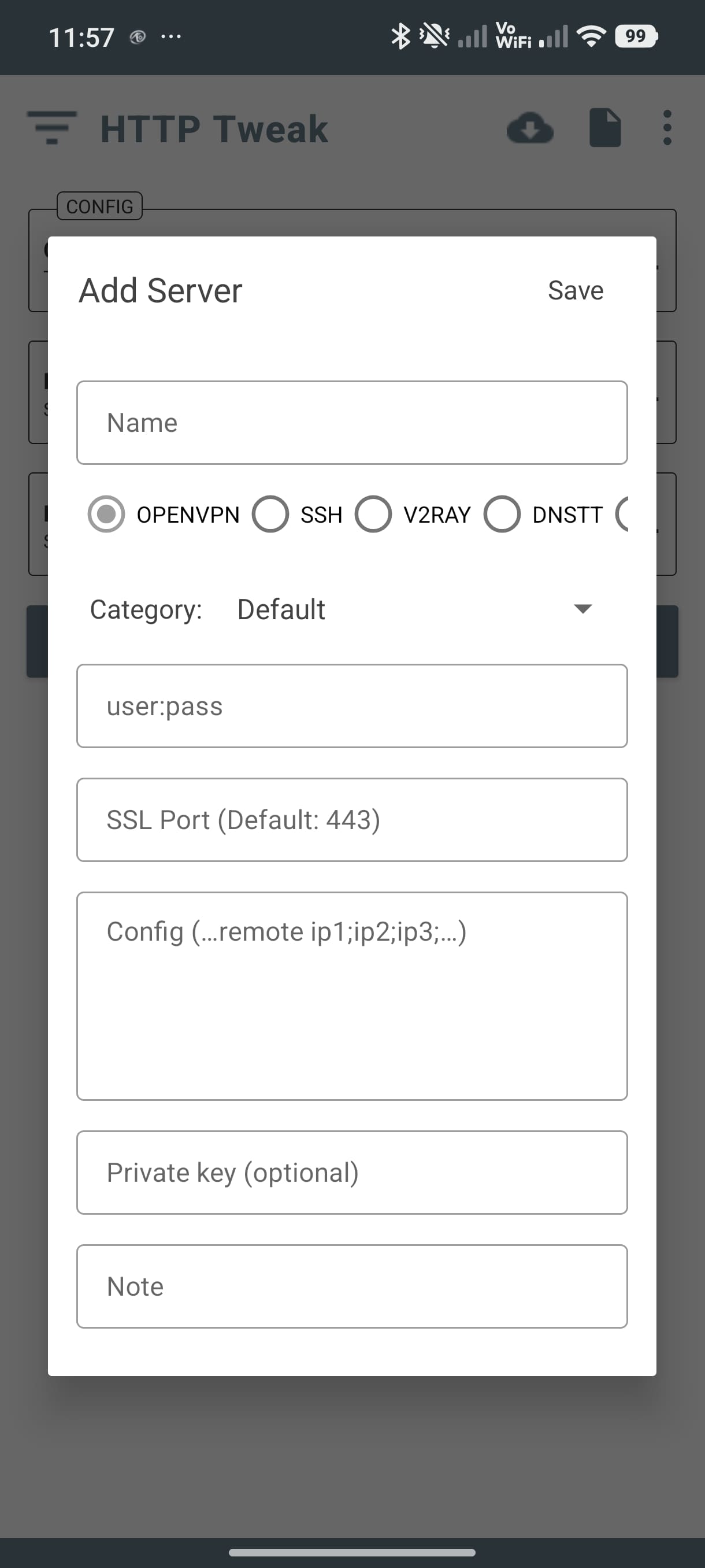
Define multiple servers and network rules inside a single configuration file.
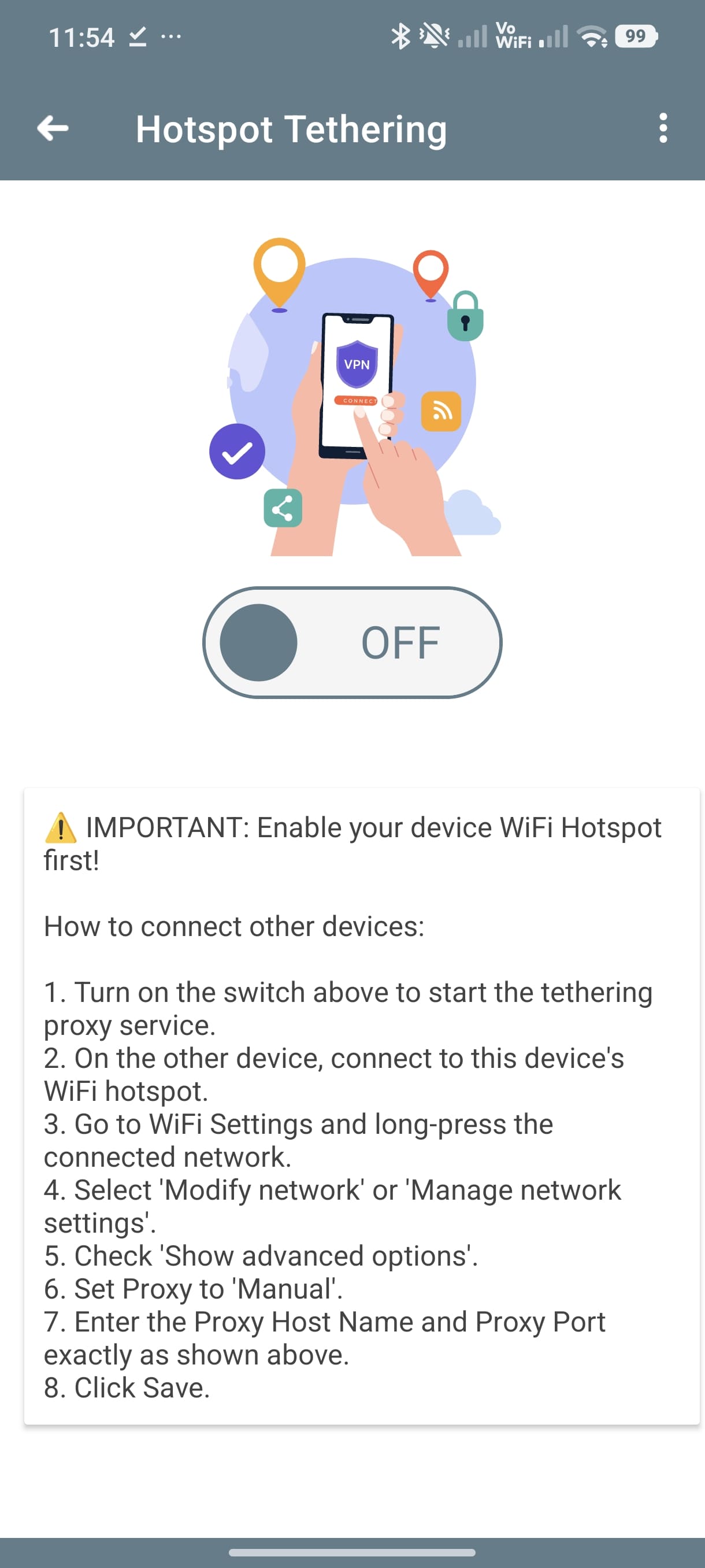
Share your connection with hotspot proxy support and simple setup steps.
Resolve and test server IPs quickly to find the best target for your tunnel.
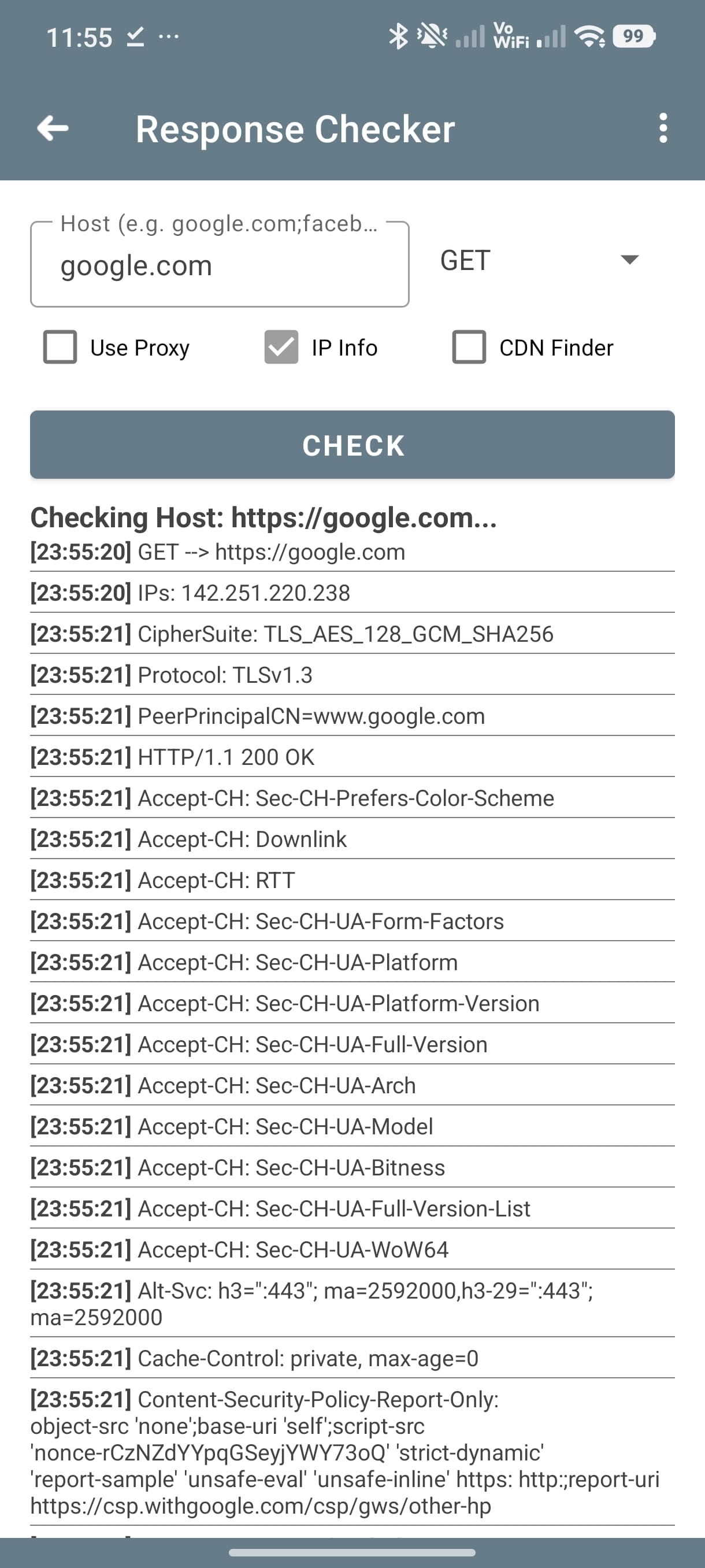
Inspect host information, HTTP responses, and network diagnostics on the fly.
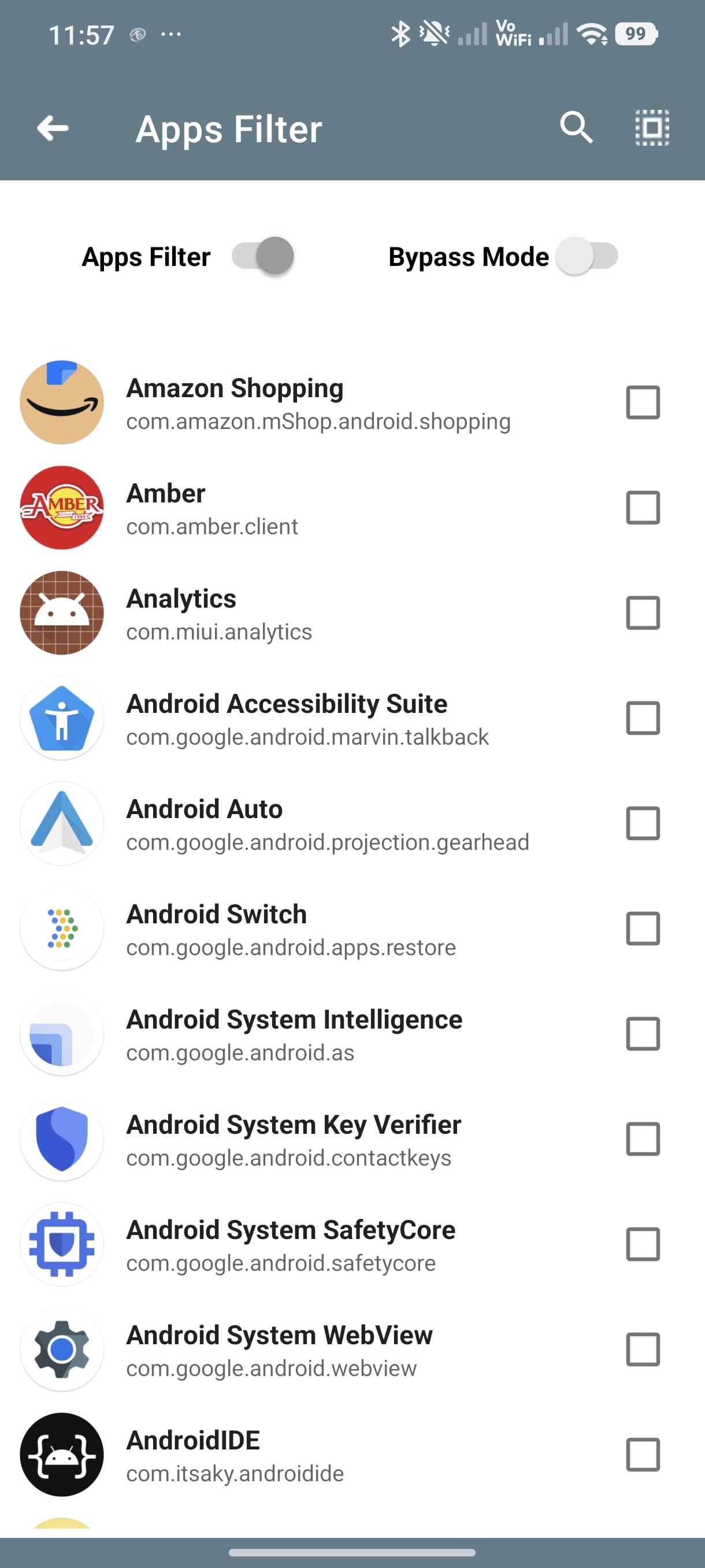
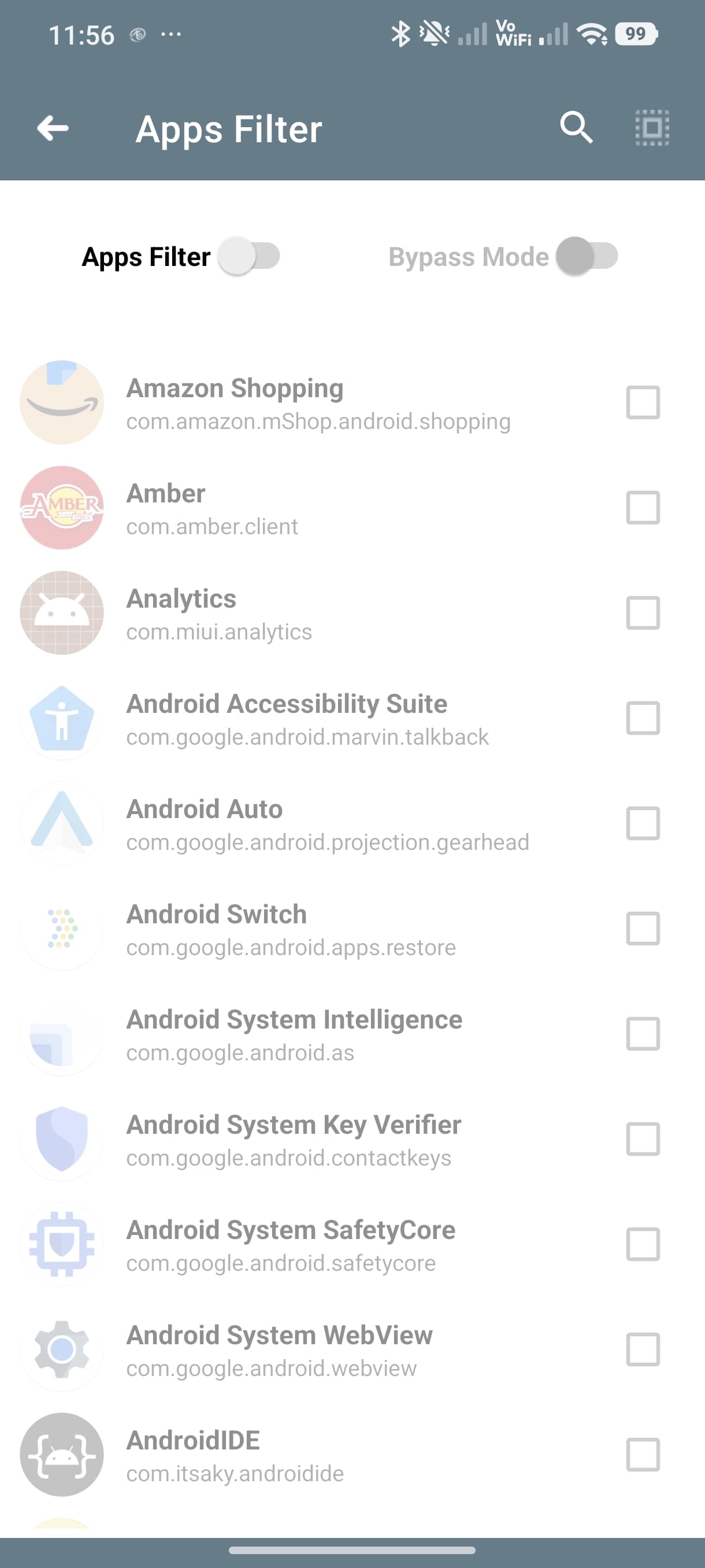
Control which apps use the VPN with a dedicated app filter and routing rules.
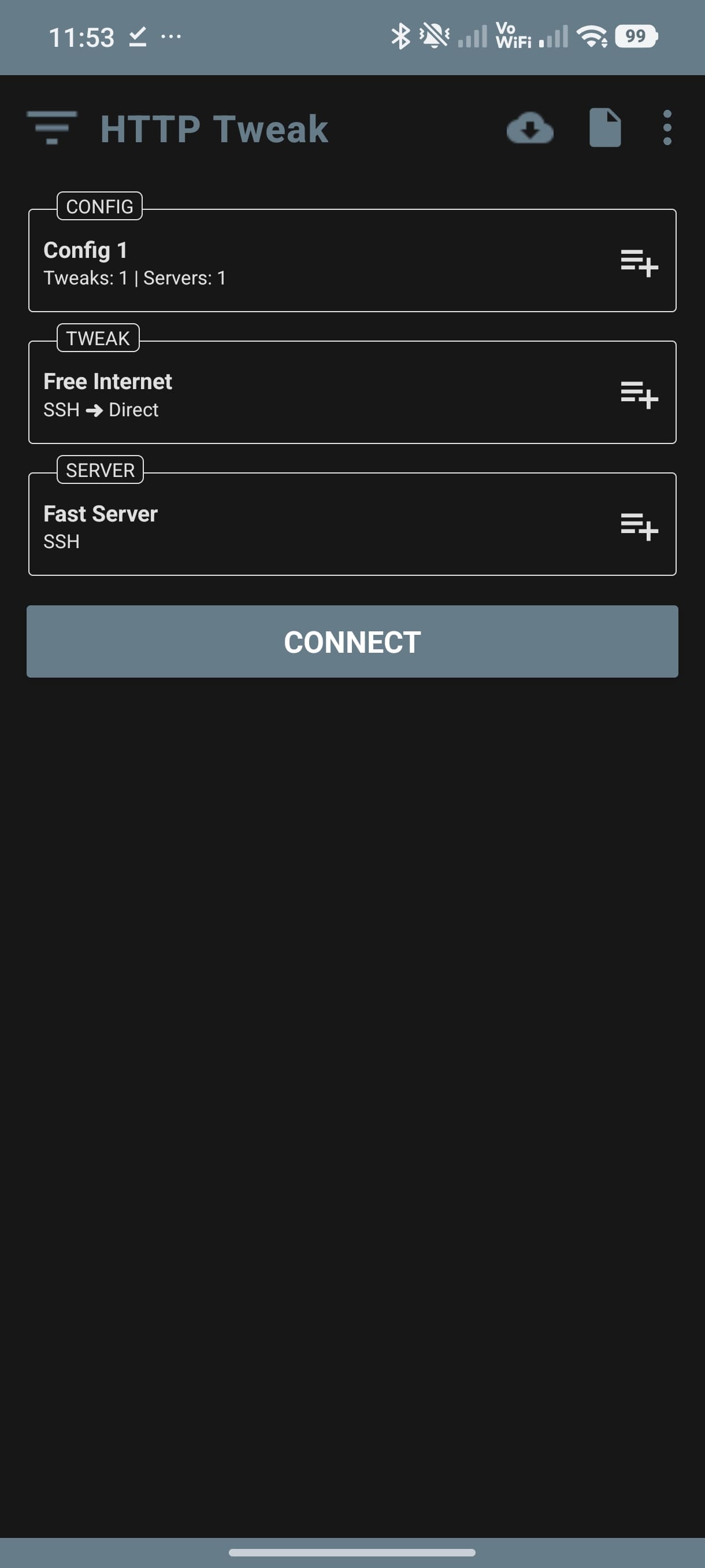
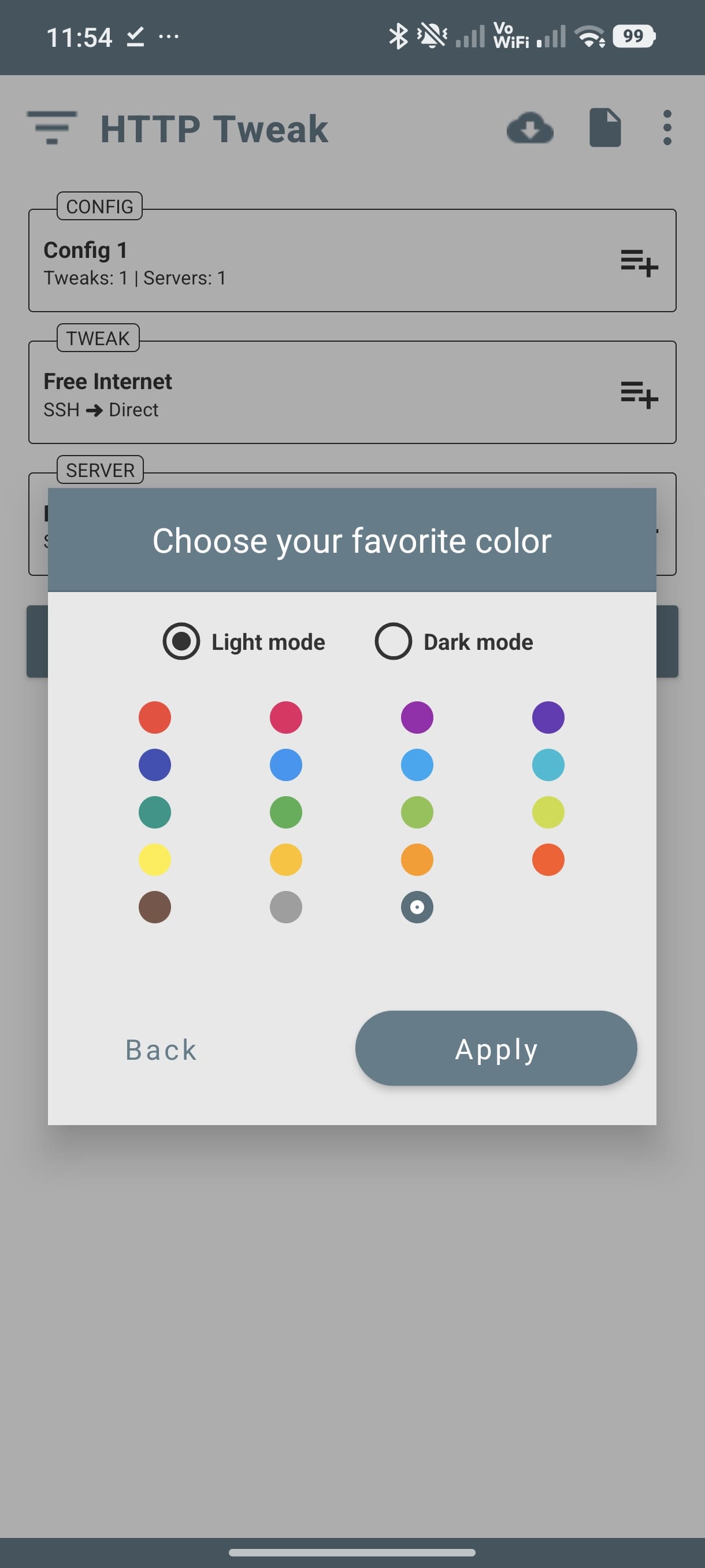
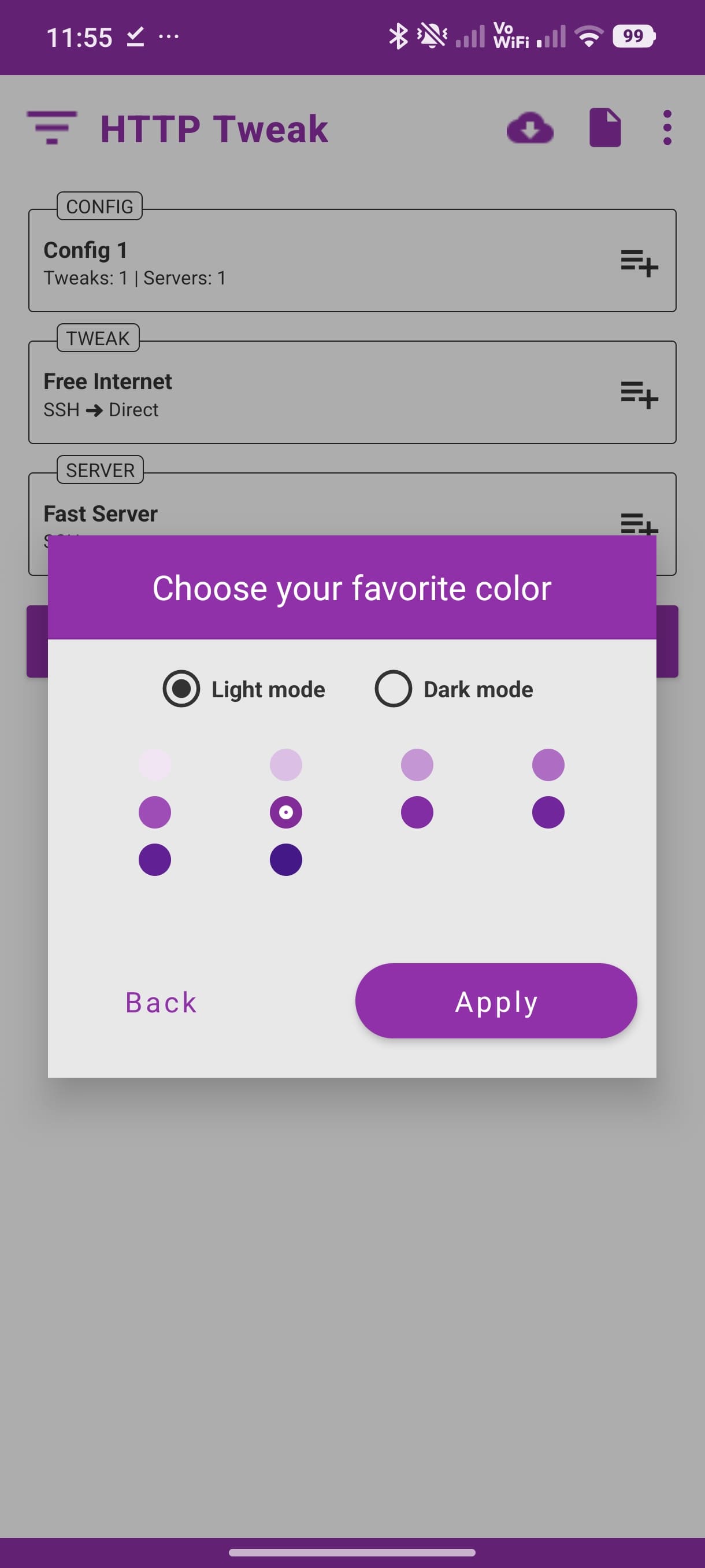
Personalize the UI with theme selection and a lightweight, fast interface.
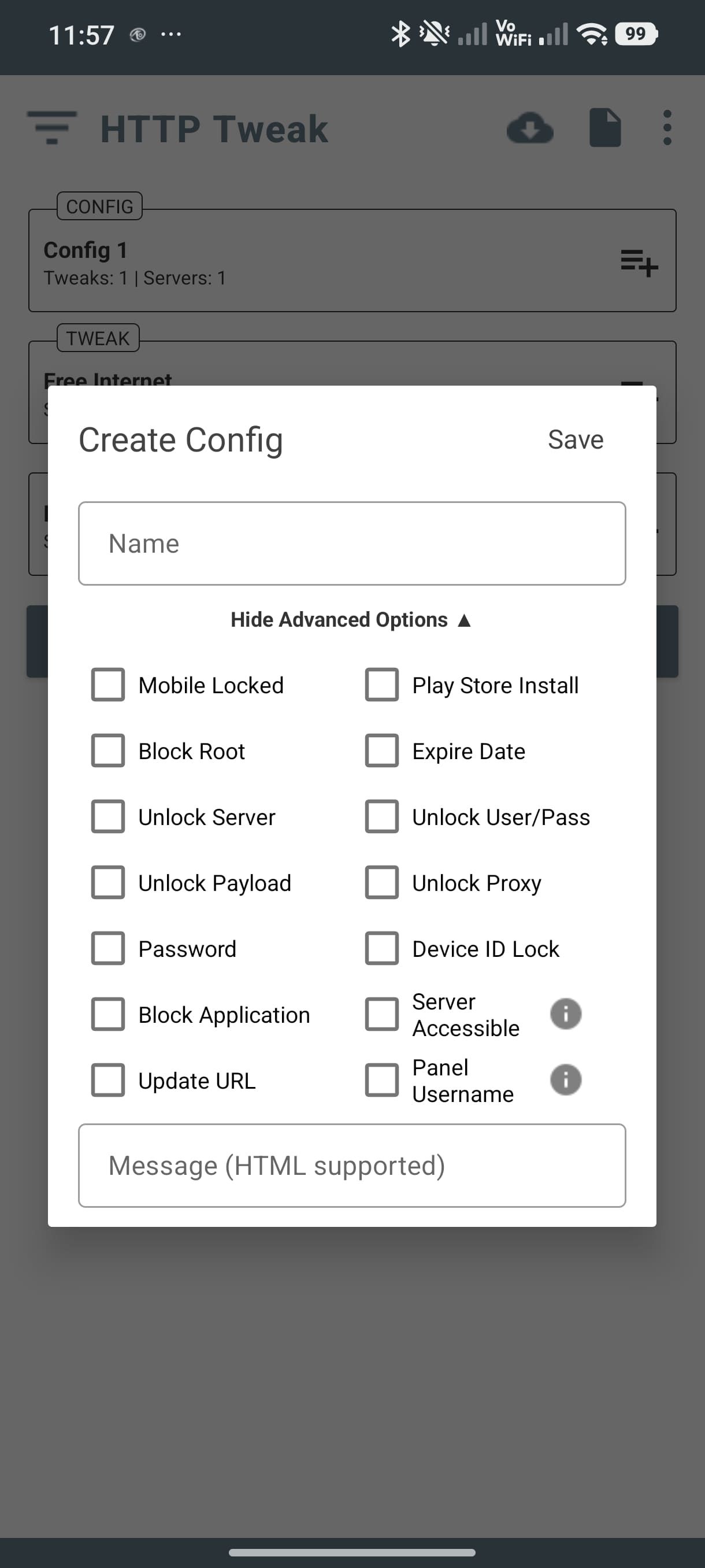
Use the panel to create, organize, and deploy VPN configurations with smart routing rules. Generate importable configs, manage servers, and maintain multiple tunnel profiles from one place.
HTTP Tweak balances ease of use with advanced options. Multiple tunnel types, secure routing, custom DNS, and connection checks keep you in control of every environment.
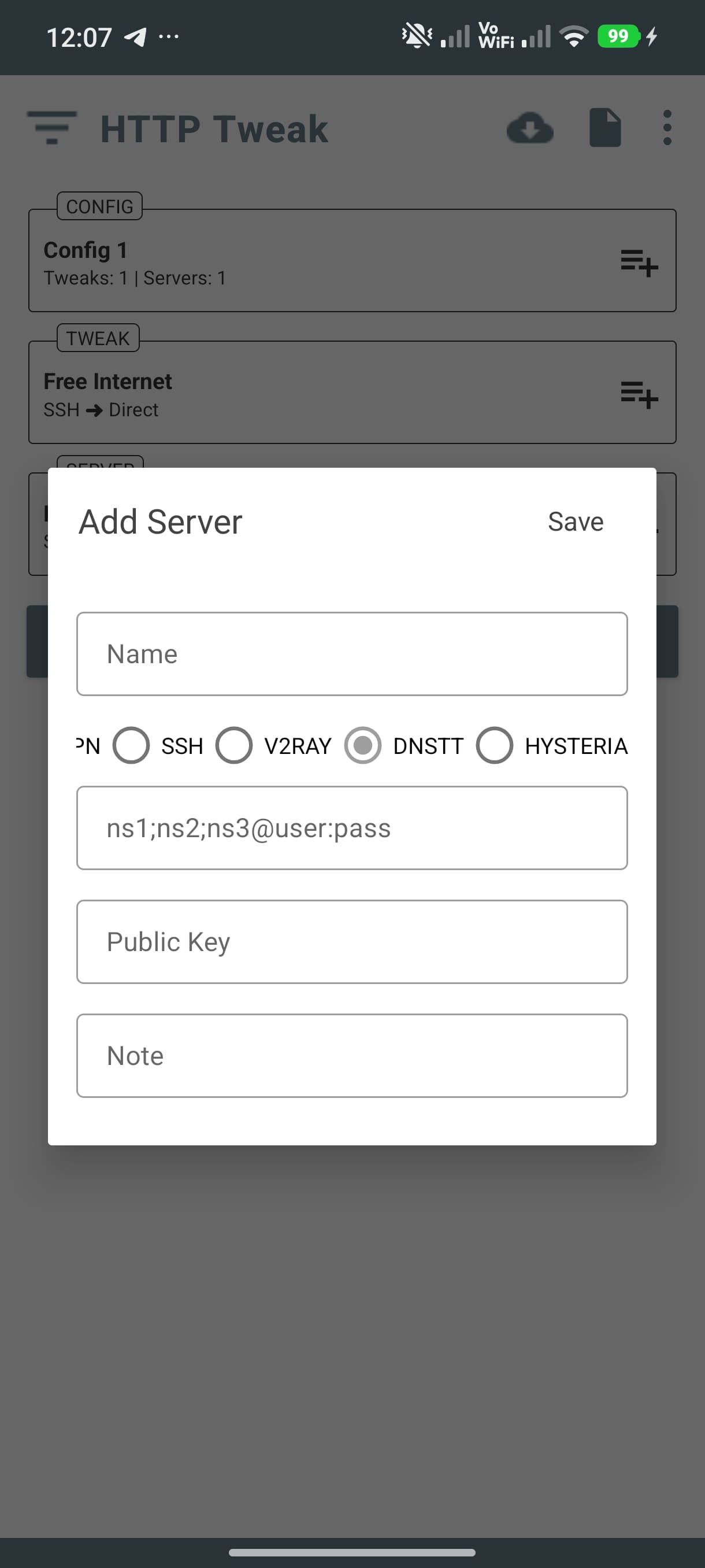
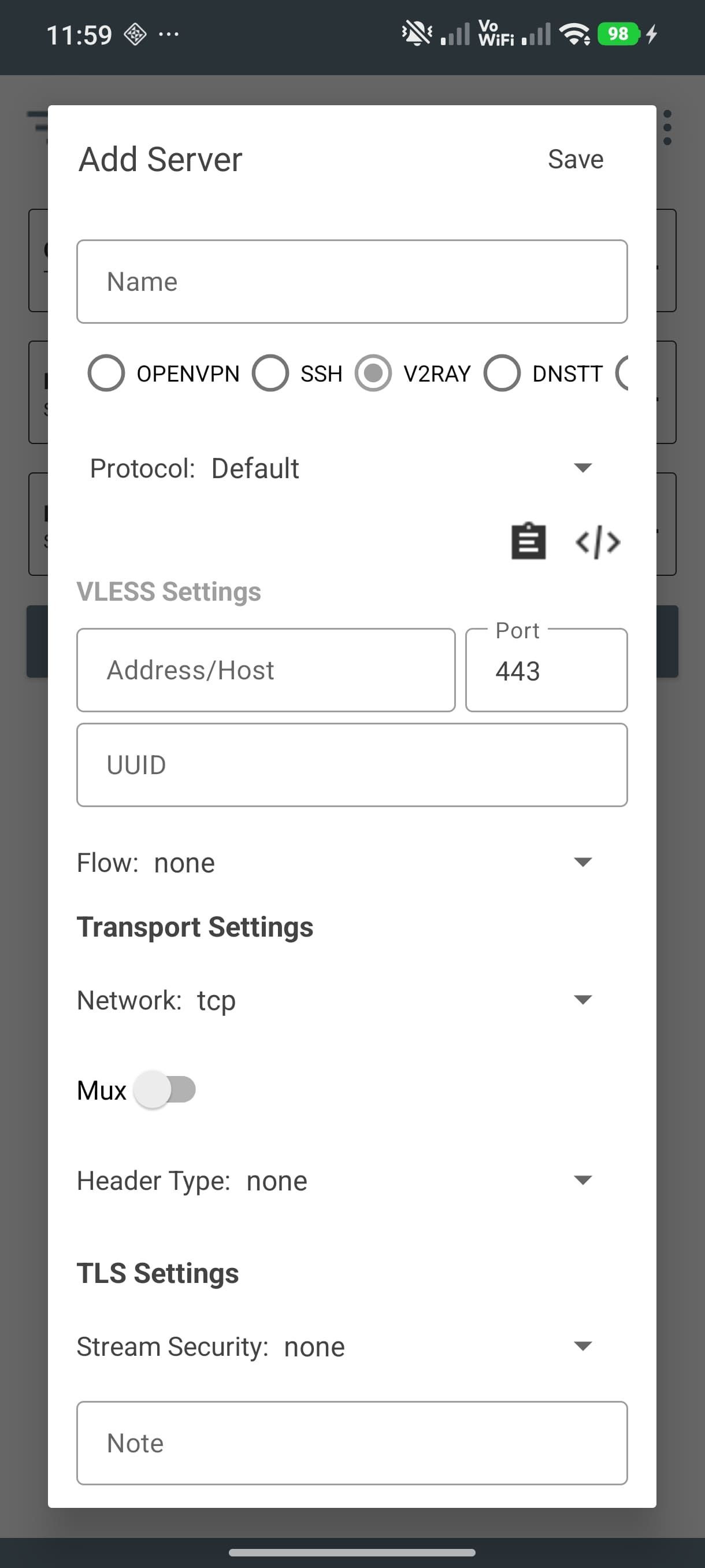
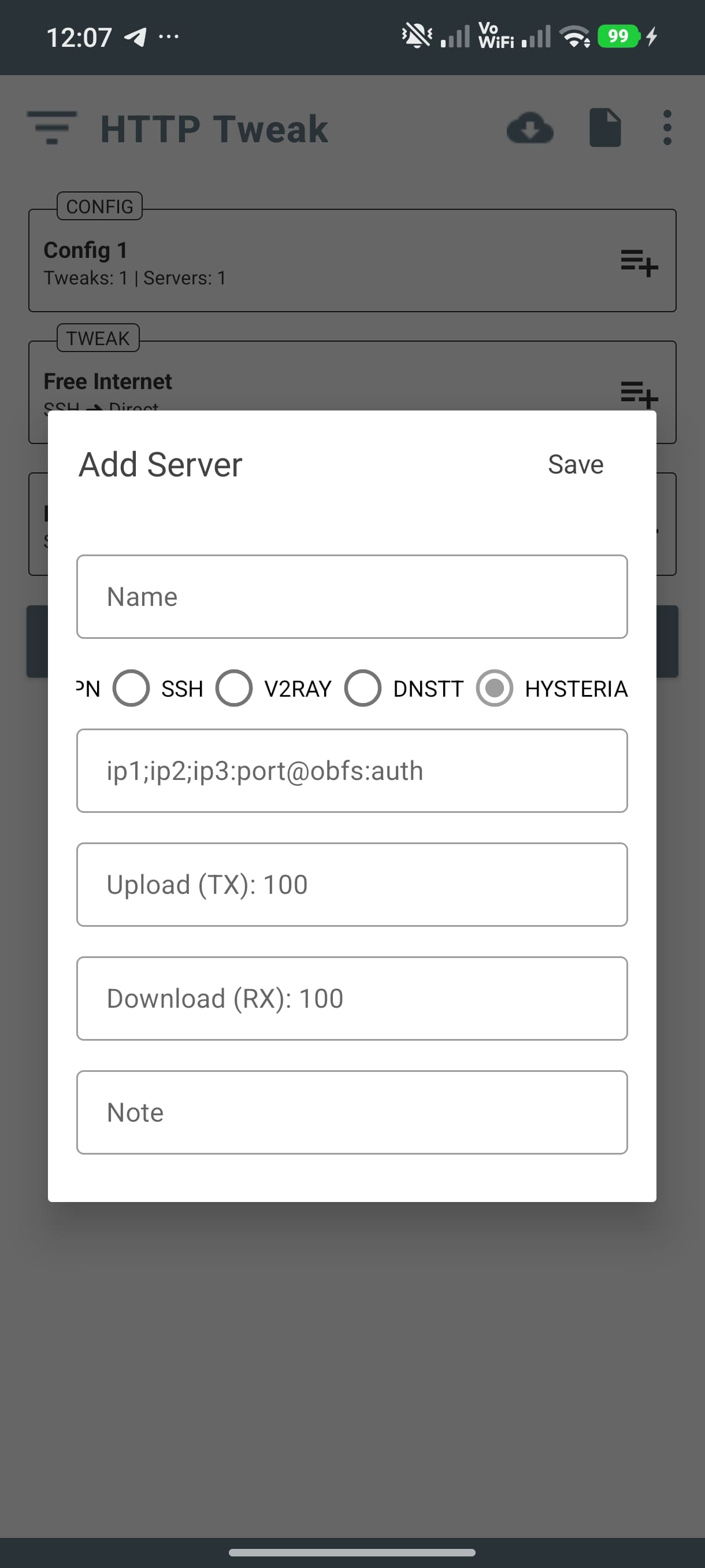
Choose from modern tunneling standards, from classic SSH to QUIC and WebSocket-based stacks.
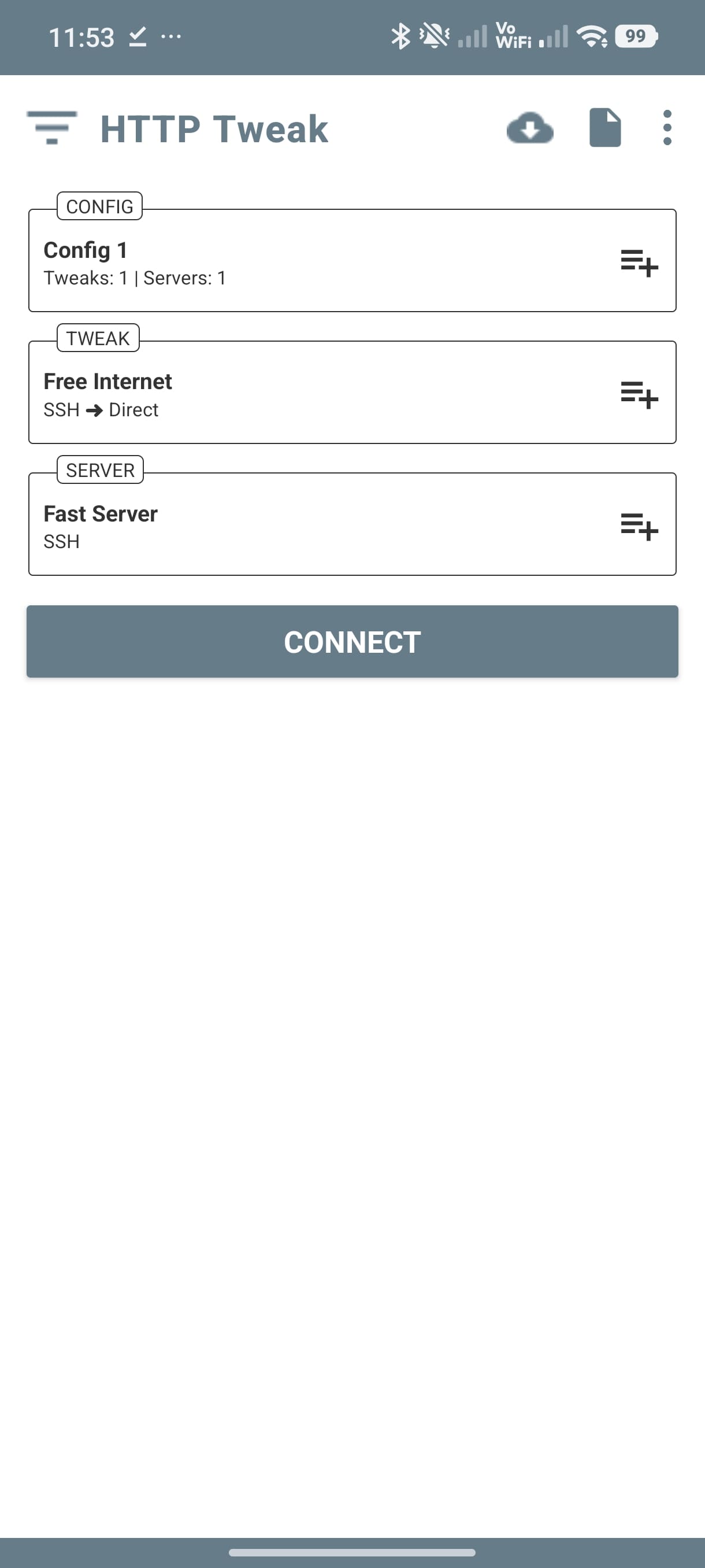
Import a configuration, create your own setup, and connect instantly.
Use your community config or load one from the panel in seconds.
Add servers, define network rules, and select the tunnel mode that fits.
Launch the VPN and monitor your connection with built-in tools.
Clean UI, flexible configuration, and built-in tools for testing and control.
Start browsing with multiple tunnel options, secure routing, and full configuration control.
Step-by-step guides for creating configs, sharing profiles, and troubleshooting.
View TutorialsFind your local groups and join trusted communities for configs and support.
View Communities